Help › Track change over time › A ranking, repeated in waves
A ranking, repeated in waves
A group ranking you run again later, each round a wave of one series, so you can see what moved.
Steps
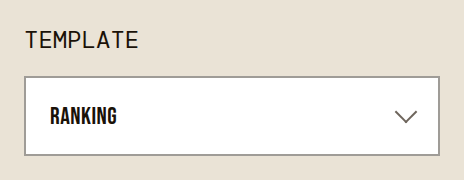
- Choose Ranking with Template, and set Respondent(s) to Group.
- Type the Overall Question and add the Options, then press Set up Session.

- On the manage page, press Make Longitudinal: the session is now Wave 1.
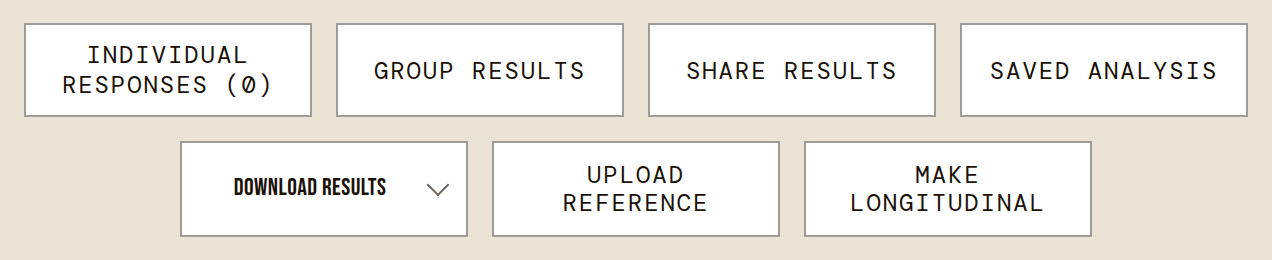
- Invite people with Invite or the Participant Code, and let the wave run.

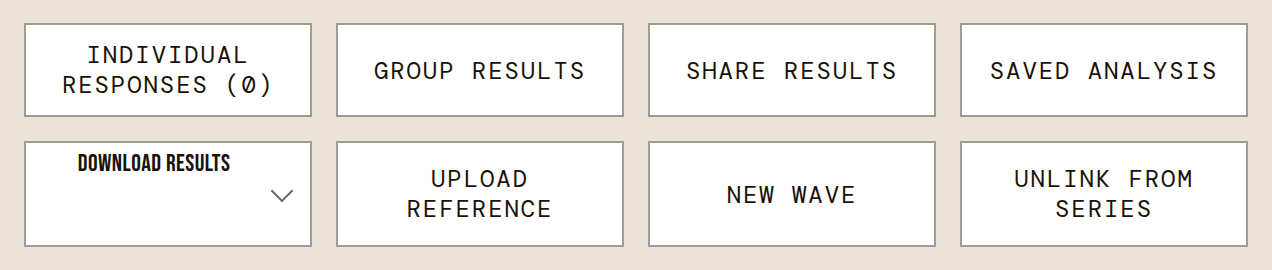
- When it is time for the next round, press New Wave. The copy starts closed: change what you need, then reopen it with Status.
- Open Group Results on a wave: it compares the waves, each option's rank and how far it moved.
Good to know
- Options are matched from wave to wave, so keep them: one added later reads New, one taken out reads Dropped.
- A wave with too few responses shows no movement.
The settings it uses
- Template: Ranking
- Respondent(s): Group
- Overall Question
- Options
- Set up Session
- Make Longitudinal
- Invite
- Participant Code
- New Wave
- Status
- Group Results
Other ways to do this
- A survey, repeated in waves: You ask the same questions regularly, such as a staff survey every year, and want to compare the years.