सहायता › Find a meeting time › An availability poll
An availability poll
A poll of dates and times: each invitee says which ones they can make.
- Choose उपलब्धता पोल with टेम्पलेट.

- Choose the स्थान.
- Fill in the एजेंडा / उद्देश्य.

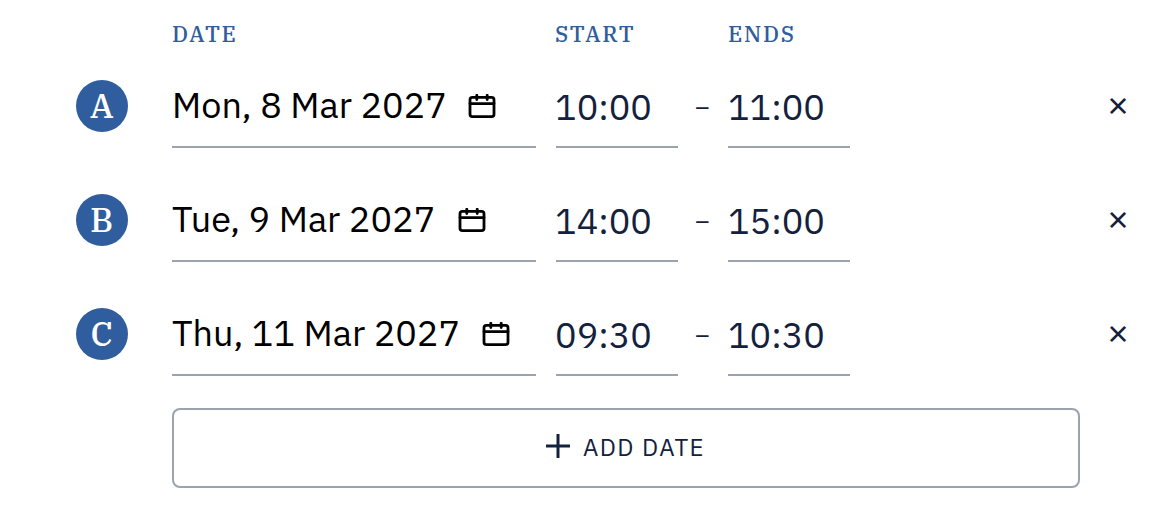
- Pick the first date in Dates, add more with Add Date, and set each one's शुरू होने का समय and समाप्ति.
- Switch Respondent Invitations चालू and add your invitees, or leave it बंद for Anyone with the link.
- Press Set up and invite: with Anyone with the link it opens an email to the group in your email app; with people invited, the manage page, where each invitee has their own personal link.