Help › Find a meeting time › An availability poll

An availability poll

A poll of dates and times: each invitee says which ones they can make.

  1. Choose دستیابی پول with ٹیمپلیٹ.
    Choose دستیابی پول with ٹیمپلیٹ.
  2. Choose the مقام.
    Choose the مقام.
  3. Fill in the ایجنڈا / مقصد.
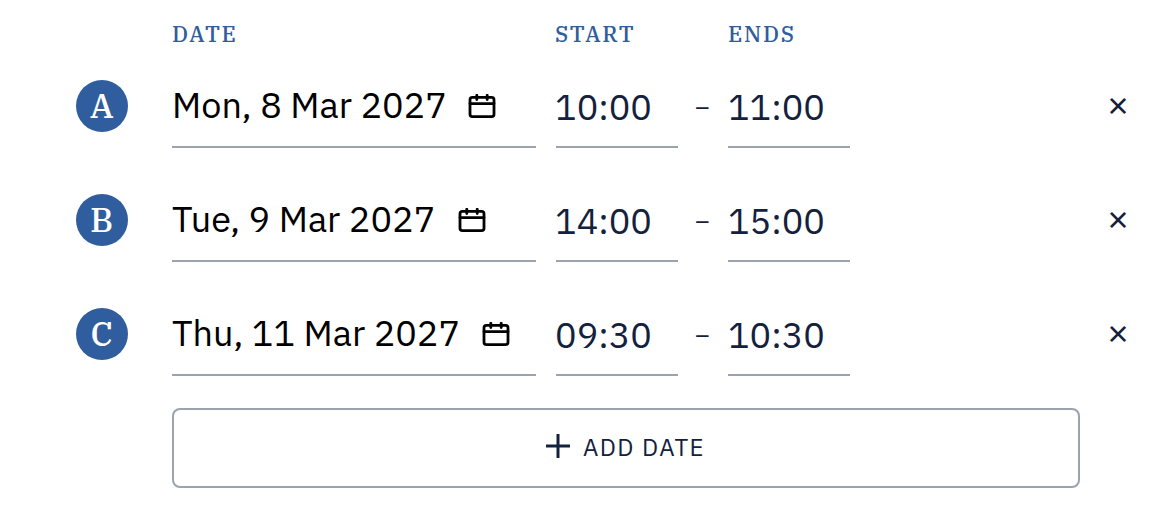
  4. Pick the first date in Dates, add more with Add Date, and set each one's آغاز کا وقت and اختتام.
    Pick the first date in Dates, add more with Add Date, and set each one's آغاز کا وقت and اختتام.
  5. Switch Respondent Invitations آن and add your invitees, or leave it بند for Anyone with the link.
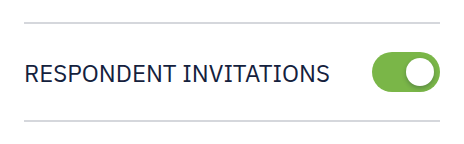
    Switch Respondent Invitations آن and add your invitees, or leave it بند for Anyone with the link.
  6. Press Set up and invite: with Anyone with the link it opens an email to the group in your email app; with people invited, the manage page, where each invitee has their own personal link.

    Press Set up and invite: with Anyone with the link it opens an email to the group in your email app; with people invited, the manage page, where each invitee has their own personal link.